
Mastering the art of organizing receipts for easier financial reviews is the single most effective way to reduce stress during tax season. By establishing a consistent workflow today, you stop the frantic scramble for lost paperwork and gain a clear, accurate picture of your true spending habits. This process is not just about compliance; it is about reclaiming your time and ensuring your records reflect your actual financial reality.
Whether you manage a small business or simply want to track household budgets, implementing a reliable system will transform how you view your money. Let’s look at the most effective strategies for maintaining control over your financial documentation.
The Fundamental Receipt Rule
If you are wondering what the most important standard is for your records, the IRS generally requires documentation for any business expense over $75. While it is wise to keep records for smaller amounts to ensure you have a complete picture of your cash flow, the $75 threshold is the point where the government mandates a receipt for tax deduction purposes. This rule applies to travel, meals, and other typical business expenditures.
Keeping these records in a centralized location is the first step toward a smoother review process. If you lose a receipt above this amount, you risk losing that deduction if your return is ever audited.
Categorization Strategies for Success
Effective organization begins with a clear system of categorization that makes sense for your specific financial goals. Avoid the common mistake of dumping everything into one pile; instead, use a logical structure that separates your transactions by type or purpose. Most people find that grouping by category—such as office supplies, professional development, travel, and meals—is far more efficient than sorting by date alone.
This allows you to see exactly how much you are spending in specific areas of your life or business. When you perform your monthly review, these categories will pop out, revealing trends that a chronological pile would hide.
Consistency is the heartbeat of this process, so choose a labeling method that you can actually stick to over the long term. If you prefer physical files, use a color-coded folder system where each folder represents a category of spending. If you prefer a digital approach, create a folder structure on your computer that mirrors these categories.
Label every file or physical document clearly with the vendor name, the date, and the total amount paid. This level of detail turns a chaotic pile of paper into a searchable, usable database of your financial life throughout the year.
Choosing Between Digital and Physical Systems
Deciding whether to go fully digital or stick with physical records depends on your personal workflow and the volume of your transactions. Digital systems are significantly faster for long-term storage and retrieval, as they allow you to search by keyword, date, or amount in seconds.
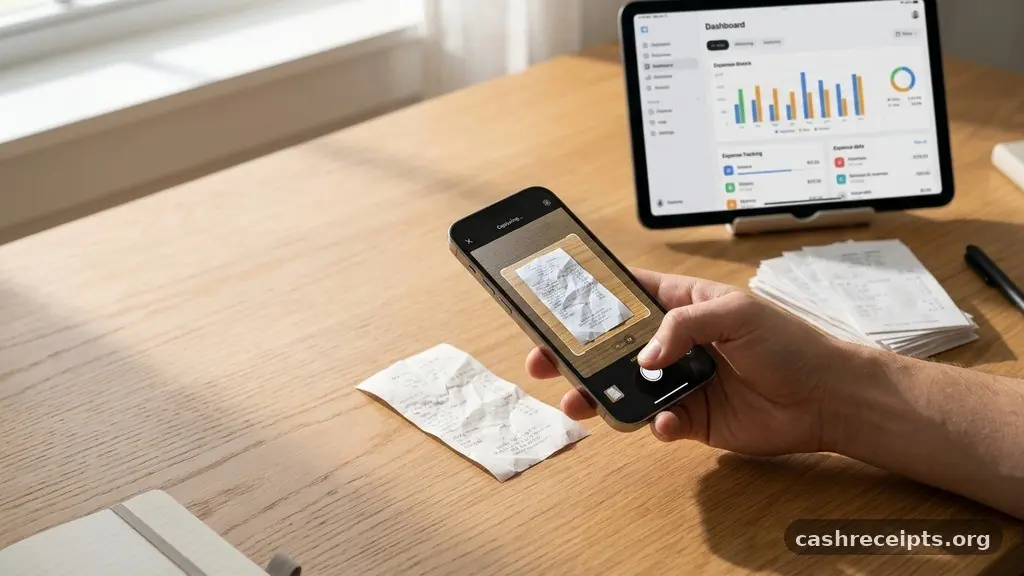
Many people now use smartphone cameras to scan receipts immediately after a purchase, effectively eliminating the need for a physical shoebox. This approach ensures that even if a thermal paper receipt fades, you have a permanent, high-quality digital copy stored in the cloud.
Physical systems still have their place, especially for individuals who prefer tangible proof or who lack a reliable scanner setup. If you choose this route, invest in a portable file organizer or a simple accordion folder that you can keep in your vehicle or office. Use a high-quality permanent marker to label your dividers, and make sure to store your receipts in a cool, dry place to prevent fading.
Regardless of your choice, the best system is the one you actually use every single day. If your system is too complex, you will likely abandon it within the first few weeks of the year.
Tools to Simplify Receipt Management
Modern technology has fundamentally changed how we handle our financial records, moving away from manual entry toward automated solutions. Dedicated IRS recordkeeping guidelines emphasize the need for accuracy, and software can help ensure you meet these standards without the manual labor.
Many accounting software packages now offer built-in features that allow you to photograph a receipt and automatically match it to a bank transaction. This reconciliation process is a game-changer for those who want to spend less time on data entry and more time on strategic planning.
When selecting an app or software, look for features that allow for easy export during your tax review. Some platforms allow you to tag receipts with specific client names or project codes, which is incredibly useful for freelancers and small business owners.
You should also consider whether the tool integrates with your existing bank accounts to provide a holistic view of your finances. Below is a comparison of common methods used to track these important documents throughout the fiscal year:
| Method | Pros | Cons |
|---|---|---|
| Digital Scanning | Searchable and permanent | Requires initial setup |
| Physical Folders | No tech skills needed | Prone to fading and loss |
| Accounting Software | Automated reconciliation | Often requires a subscription |
Managing the Workflow During the Year
To avoid the end-of-year panic, you must build a habit of processing your receipts on a schedule that works for your lifestyle. Many successful financial planners suggest a weekly “money hour” where you review the previous seven days of spending. During this time, you should file your digital receipts, clear out your wallet, and update your ledger.
This short, focused burst of activity prevents the backlog from growing into an overwhelming mountain of paper that takes days to resolve. Even if you only spend 15 minutes each week, you will find that your financial reviews become significantly faster and more accurate.
When you sit down for your monthly review, start by reconciling your bank statements against your collected receipts. If you find a discrepancy, address it immediately rather than waiting until the end of the year when your memory of the purchase has faded. This proactive approach allows you to identify unauthorized charges or subscription fees you may have forgotten about.
By keeping your records current, you are always prepared for a surprise audit or a quick look at your budget status. It turns a reactive, stressful task into a controlled, manageable part of your routine.
Creating a Reliable Archive
Long-term storage is an essential component of organizing receipts for easier financial reviews, as you may need to access records from previous years. Most tax authorities suggest keeping your supporting documents for at least three to seven years, depending on your jurisdiction and the complexity of your returns.
Create a dedicated space for these archives, whether it is a fireproof safe for physical documents or an encrypted external hard drive for digital files. Label your storage containers clearly by the tax year, making it easy to find specific documents if you ever need to reference them.
If you are using a digital storage system, ensure that you have a backup plan in place. Cloud storage services provide an excellent way to keep your records safe from physical disasters like fires or floods. Test your retrieval process at least once a year by trying to find a random receipt from the previous year.
If you can locate it in under two minutes, your system is working well. If it takes longer, look for ways to simplify your folder structure or improve your naming conventions for files.
Common Questions About Receipt Organization
How do I handle receipts that fade over time?
Most thermal receipts, which are common at grocery stores and gas stations, will fade within a few months due to heat and light exposure. The best way to preserve these is to scan or photograph them immediately after the transaction occurs. Once you have a digital copy, you can store it in a secure folder and discard the physical copy, as digital images are generally accepted as valid records.
Is there a free way to organize my expenses?
Yes, you do not need expensive software to keep your records in order. A simple spreadsheet can track your totals, while a well-organized folder system on your computer or in a physical filing cabinet works perfectly well. The key is not the cost of the tools, but the discipline of recording every expense as it happens.
What if I lose a receipt for a business meal?
If you lose a receipt, you can sometimes reconstruct the record by using bank or credit card statements to prove the date and amount. However, you must also document the business purpose, the names of the people involved, and the nature of the discussion. While this is less ideal than having the actual receipt, it is better than having no documentation at all.
Should I keep personal receipts?
You should keep personal receipts if they relate to tax-deductible items, such as medical expenses, home improvements that might affect your capital gains, or charitable donations. For general household purchases, keeping them is only necessary if you want to track your spending habits or if you need the receipt for potential warranty claims.
Moving Toward Financial Clarity
Taking the time to refine your process for organizing receipts for easier financial reviews is an investment in your future peace of mind. By moving from a reactive state—where you search for lost papers—to a proactive one, you gain control over your financial narrative. Start by choosing one system, whether digital or physical, and commit to using it for the next month.
You will quickly find that the clarity gained from seeing your spending patterns is worth the small amount of effort required to maintain the system. As you become more comfortable with your records, you will feel more confident in your financial decisions and much better prepared for any review that comes your way. Reach out to a tax professional if you have specific questions about your unique situation, and enjoy the relief that comes with being truly organized.